
The Output Tracking component allows you to register Output, Scrap or Rework at a workstation, as illustrated below:
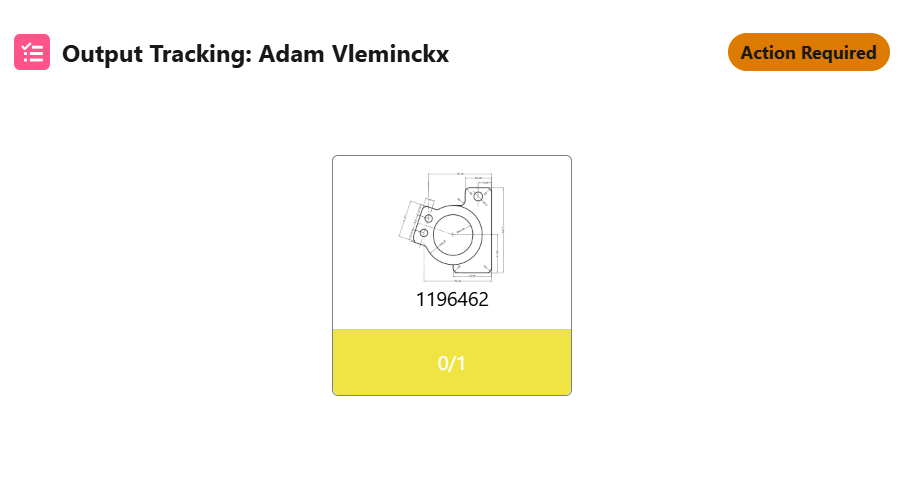
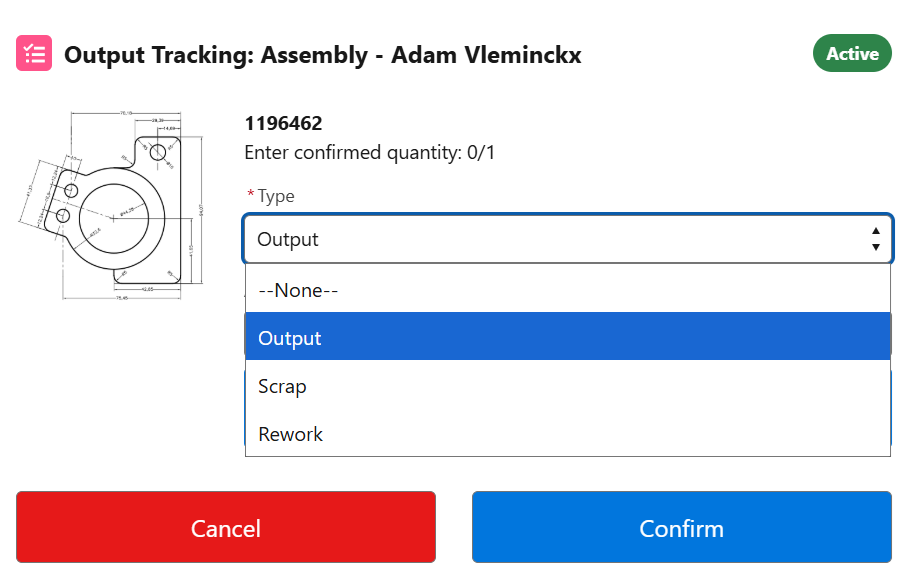
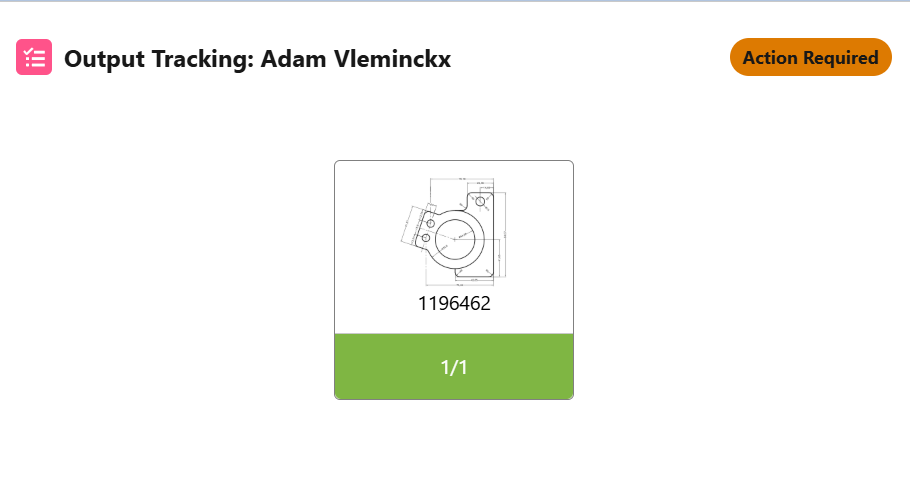
The component allows you to do multiple and intermediate output registrations while working on a specific operation for a production order.
As for other components, the Output Tracking component consists of:
-
An (editable) screenflow with API name
X24Flow_OutputTracking. -
Custom Metadata Types for general configuration.
-
Record-specific parameters set in the
Operationsobject.
Custom Metadata Types for Output Tracking
The Output Tracking component allows operators to register quantities produced. The component has a number of configuration parameters that are set in Custom Metadata Types:
-
Required Operation Status: Allows you to restrict the operation statuses in which an output registration can occur (typically when the operation status is IN PROGRESS).
-
Enable Type Selection: When checked, the operator can choose the output type: Output, Scrap, Rework.
-
Default Output Type: Defines the default output type when the type selection is enabled.
-
Increment Button Values: Comma separated values of the increments.
-
Increment Button Size: Button size of the increments.
Fields on the Operations Object
The Output Tracking name and image are set via fields on the operation record:
-
Operation Output Product Image: The image is taken from the 'DisplayUrl' field on the Product object associated with the respective Production Order.
-
Operation Output Product Name: The name is based on the name field on the Product object.
The Output Tracking component is built as a customizable screenflow with API name X24Flow_OutputTracking.