
Configure a Team Cockpit Settings Page
Via the Team Cockpit Settings page you can configure the behavior and the layout of Team Cockpits. A Team Cockpit Settings page can be applied to one or multiple Team Cockpits and every Team Cockpit can have the same or a specific Settings page associated with it.
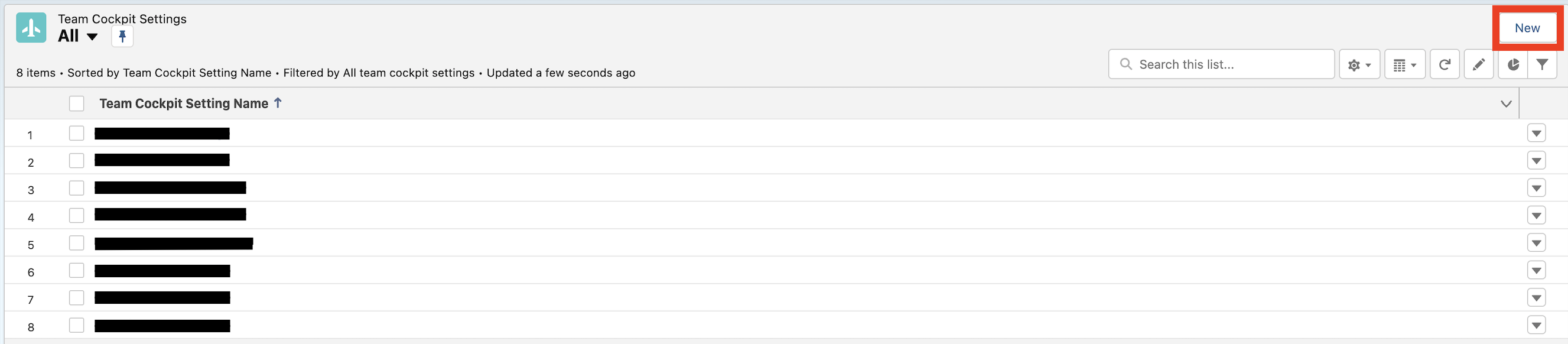
To create a new Team Cockpit Settings page, navigate to the 24Flow Settings app, select the tab Team Cockpit Settings and click on “New”.
In the pages below, we describe the functionality of the different tabs in the Team Cockpit Settings.