
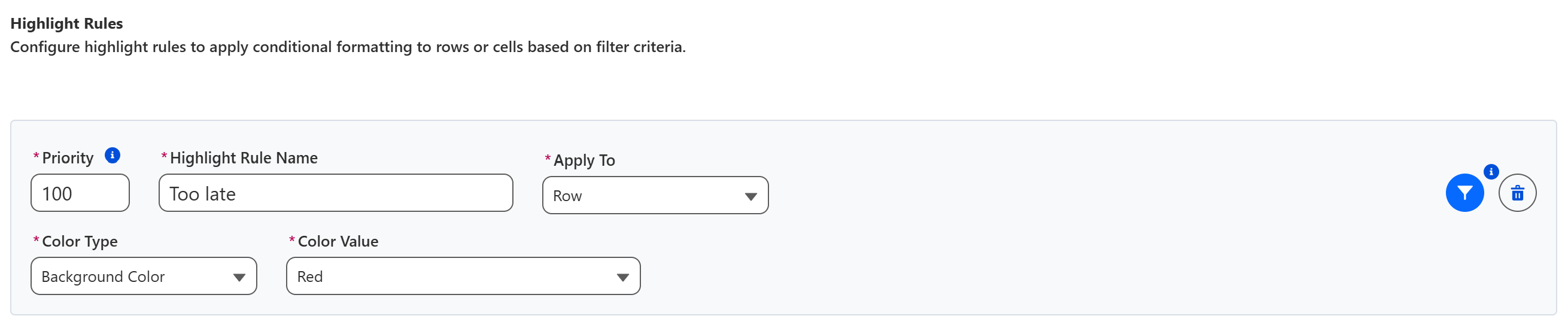
Highlight Rules apply conditional formatting to rows or cells based on filter criteria. As an example, you could highlight all orders that are late in red:
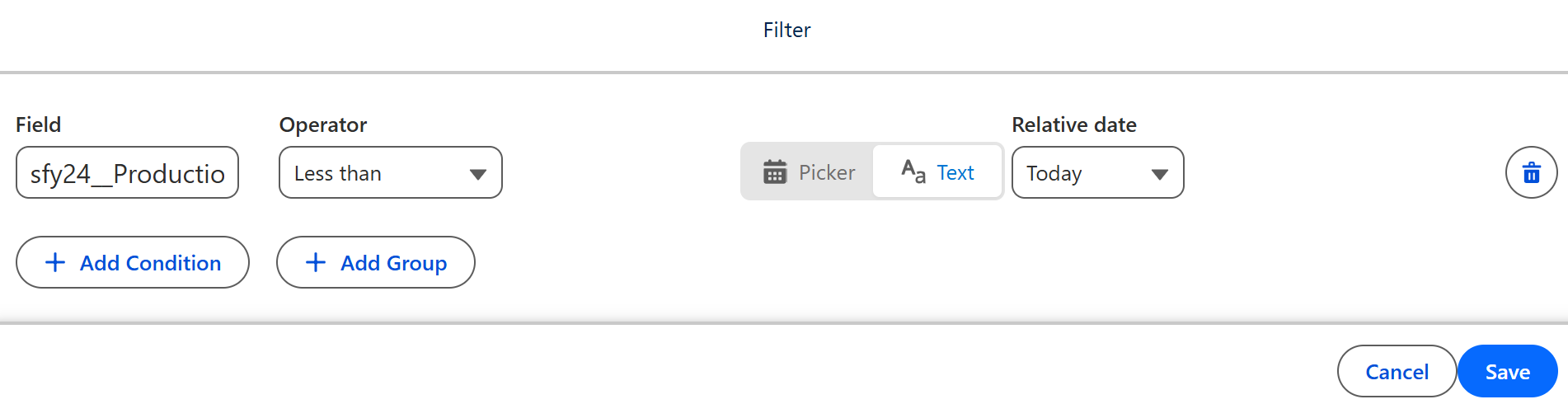
Please note that the Highlight Rule filter allows to use relative filters, e.g. ‘too late’ is defined as a production order delivery data that is earlier than today.