
Select Operation Routing Fields
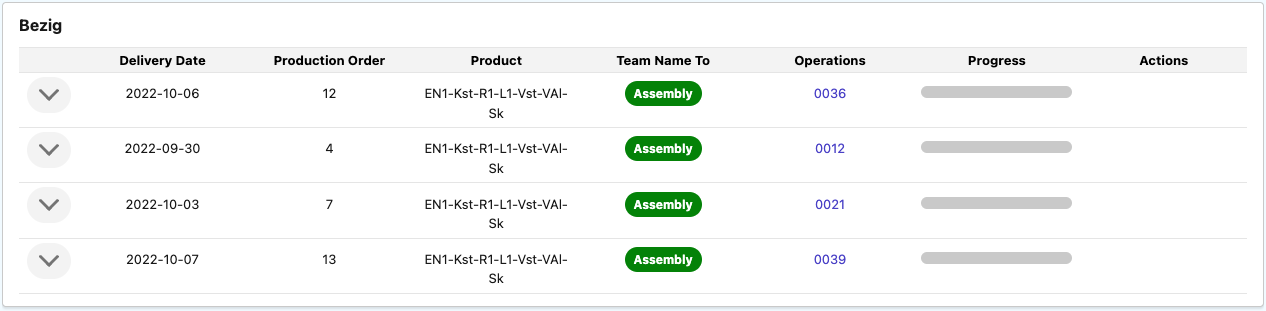
Select the Operation Routing fields that you want to be displayed as columns in the Team Cockpit, in case the View Type has been set to OPERATION_ROUTING.
Select Operation Fields
Select the fields of the object Operation that you want to see displayed in the Team Cockpit for the underlying operations of each operation routing.
The number of fields that can be shown in the Operation Routings and Operations sections of the Team Cockpit is by default set to 7. This ensures maximum readability and avoids an overload of information for operators. On a tablet is recommended to limit the number of fields to 5.
In case you would like to override this default setting, navigate to Setup > Custom Settings > 24Flow Settings and edit the Team Cockpit Field Count parameter.
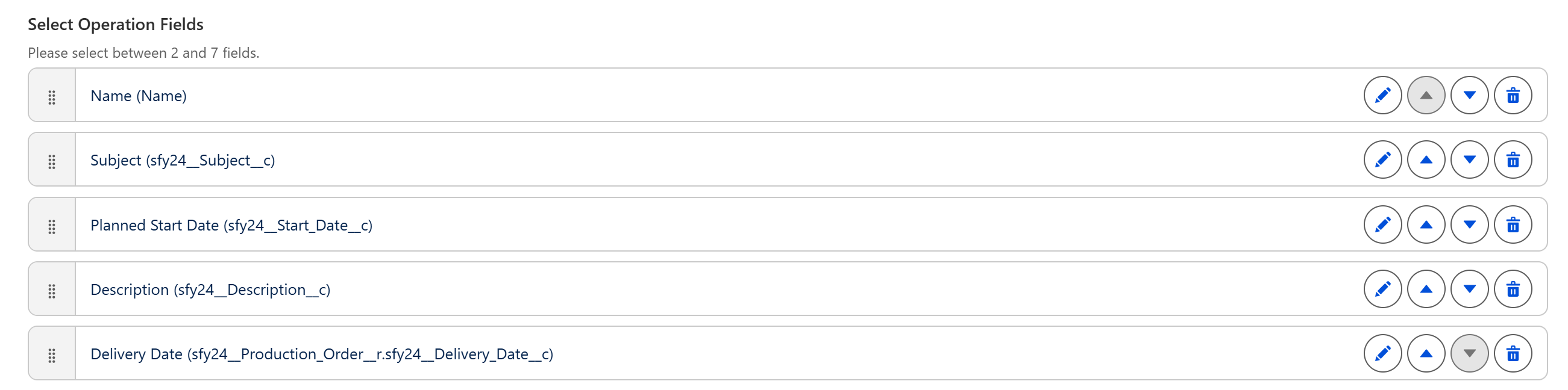
As shown in the screenshot above, the order in which the fields are displayed can easily be adapted. It is also possible to have lookup fields, e.g. the Delivery Date (last item in the above list), is a lookup from the operation to the production order.
Team Cockpit Search
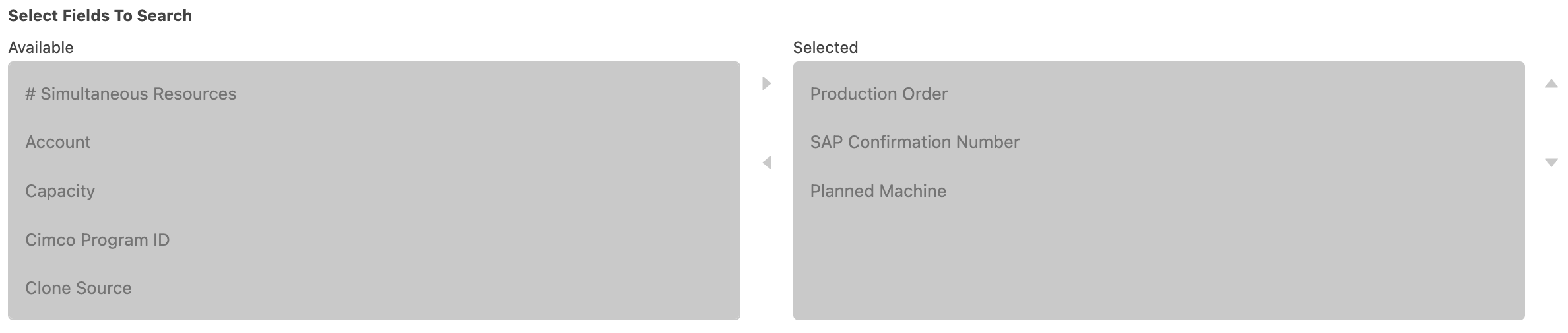
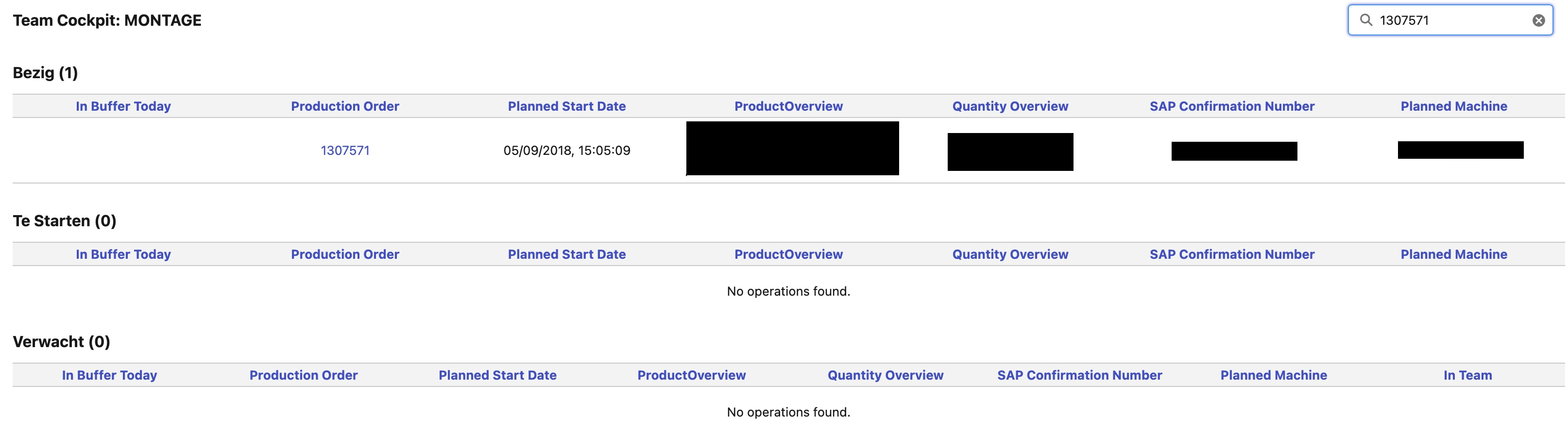
Search on relevant inputs to immediately see the statuses of the operation routings and/or operations in the respective Team Cockpit. You can select the fields on which the user can search via the section Select Fields to Search in the Team Cockpit Settings record.
Sorting
Via the Select Fields To Sort, you can implement a hierarchical sorting of operations or operation routings with a combination of both Ascending and Descending sorting.
-
Field: the field on which you want to sort
-
Direction: Ascending or Descending sorting

Employee
The Show Employee Column checkbox allows you to add a column to the Team Cockpit that shows the operator(s) working on a specific order.