Filter
In some cases, you may want to further filter the Operations or Operation Routings that are visible in a particular Team Cockpit. For this you can use filters:
-
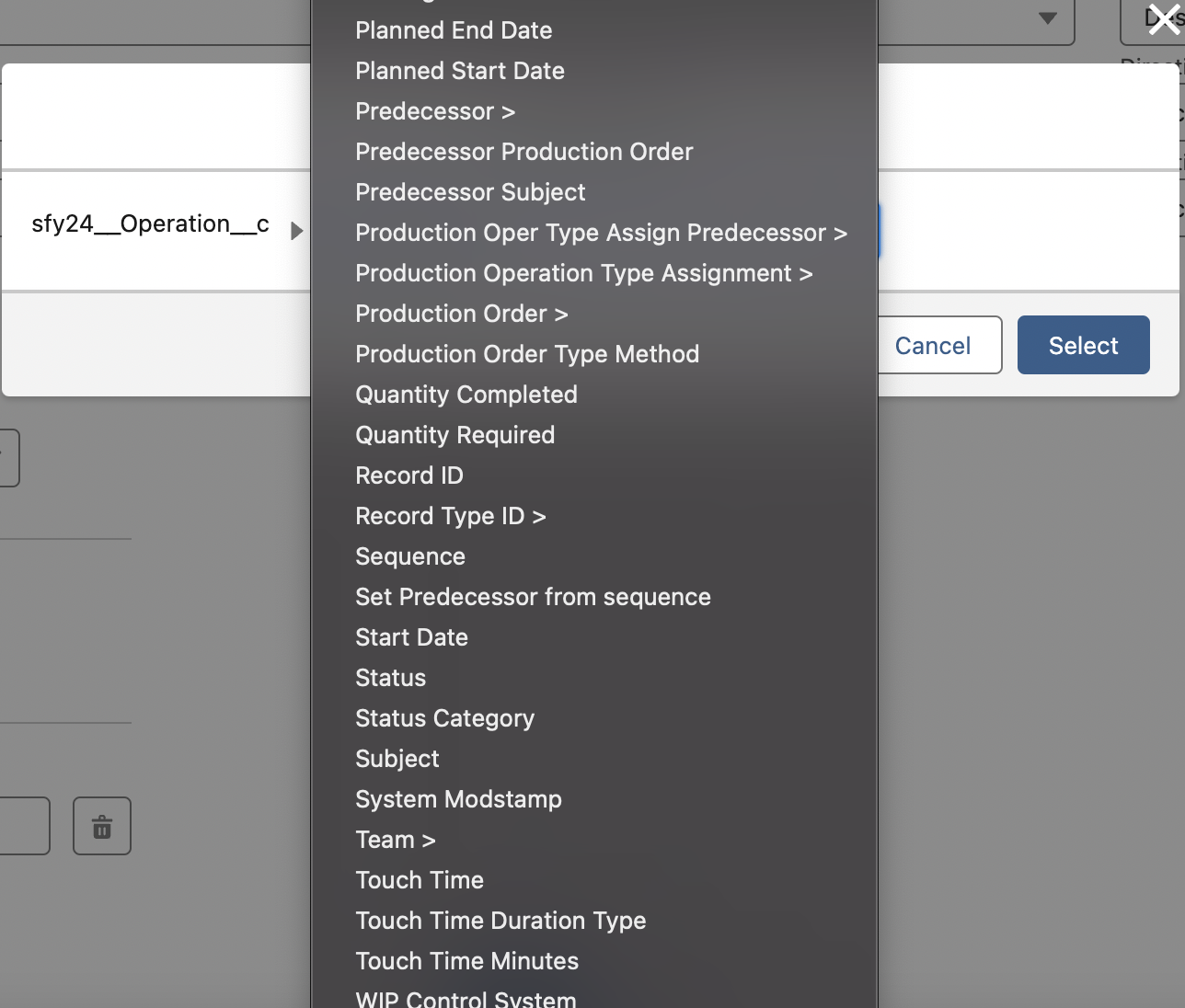
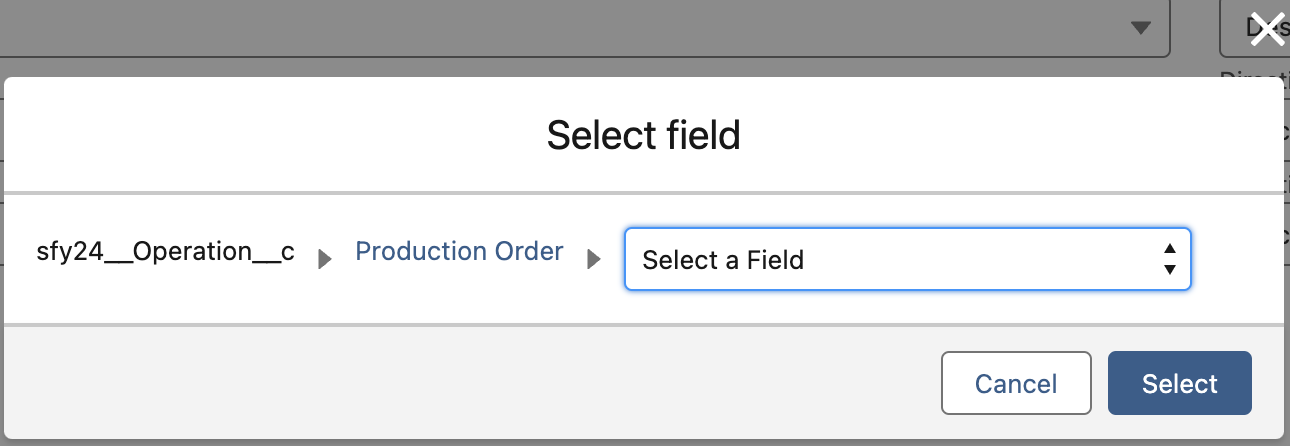
Field: the field on which you want to filter.
-
Operator: Equals, Does Not Equal, Contains, Does Not Contain, In, Not In, Is Null, Is Not Null.
-
Value: the value you want to filter on.
-
Add Group: Via add group you can create your own AND OR custom filter logic.
-
Be aware that you can also filter on fields of all higher objects in the hierarchy, starting from the operation object. This is simply indicated via “>” after the object name.